Most failed AI automation projects do not begin with a bad model.
They begin with a poorly understood workflow.
A team notices that a process is slow or repetitive. Someone suggests using AI. A tool is selected, prompts are written, and a pilot begins.
But the underlying process may still contain unclear ownership, inconsistent inputs, unnecessary approvals, undocumented decisions, or exceptions that only experienced employees understand.
AI does not remove that confusion.
It can make the confusion faster.
That is why this first public edition of AI Systems Lab focuses on what should happen before prompts, agents, integrations, or vendors enter the conversation.
Before asking how to automate a workflow, first ask:
Is this workflow clear enough, stable enough, and safe enough for AI to support?
To answer that question, use the AUDIT Framework:
- Anchor the outcome
- Unpack the workflow
- Diagnose friction
- Identify the AI-human boundary
- Test before scaling
The purpose of the audit is not to justify an AI project.
It is to make a defensible decision.
A — Anchor the outcome
Start with the result the workflow is supposed to produce.
Do not start with the tool.
“Use AI to prepare weekly reports” is not an outcome.
“Give managers an accurate view of project risks before Monday’s leadership meeting” is an outcome.
Before considering automation, define:
The result: What should exist when the workflow is complete?
The user: Who needs the output, and what will they do with it?
The standard: What makes the result accurate, timely, complete, and useful?
The baseline: How long does the process take now, where do errors occur, and how often is rework required?
A useful outcome statement follows this structure:
This workflow exists to help __________ accomplish __________ by __________.
For example:
This workflow exists to help the leadership team identify project risks by receiving an accurate, concise briefing every Monday morning.
That outcome becomes the reference point for every later decision.
U — Unpack the workflow
Next, map what actually happens.
Do not document only the official procedure. Include the real sequence people follow: informal messages, repeated checks, unofficial spreadsheets, workarounds, and last-minute corrections.
For each step, identify:
- who owns it
- what triggers it
- what information it requires
- what action or decision occurs
- what output it produces
- who receives that output
- what exceptions commonly arise
Pay particular attention to decision points.
Where must someone determine whether information is complete, choose between conflicting sources, approve an exception, or decide whether an issue should be escalated?
Then ask what those decisions rely on:
- explicit rules
- pattern recognition
- professional judgment
- organizational context
- knowledge that has never been documented
Tasks governed by clear, stable rules may be easier to automate.
Tasks that depend on context, responsibility, or trust may require human control even when AI assists.
D — Diagnose friction
Once the workflow is visible, identify where value is being lost.
Look for five kinds of friction:
Input friction: Information arrives incomplete, inconsistent, outdated, or in different formats.
Process friction: The workflow contains duplicated work, unnecessary steps, or repeated handoffs.
Decision friction: People apply different standards or rely on undocumented judgment.
Coordination friction: Work waits for owners, reviewers, information, or approval.
Risk friction: Extra checks are required because mistakes could affect customers, employees, finances, legal rights, privacy, or reputation.
Do not assume every point of friction should be automated.
At each one, ask:
Why does this problem occur?
Then ask:
Should we remove it, redesign it, standardize it, or automate it?
Sometimes the best improvement is deleting a step rather than accelerating it.
A faster unnecessary task is still unnecessary.
I — Identify the AI-human boundary
Do not ask whether AI can perform the entire workflow.
Examine each step independently and choose an appropriate role.
Human only
Keep the step human when it involves high-consequence decisions, sensitive interpersonal judgment, unclear standards, legal or ethical responsibility, or accountability that cannot be delegated.
AI assists
AI helps retrieve information, organize inputs, summarize material, identify patterns, propose options, or prepare an outline.
A person still performs the task and makes the decision.
AI drafts, human approves
AI produces a draft, but a named person reviews it before use.
This works only when the review process is explicit.
“Someone will check it” is not a control.
Define who reviews, what they inspect, which sources they compare, what triggers correction or escalation, and who gives final approval.
AI executes with monitoring
AI performs a low-risk, well-defined action automatically.
This may be appropriate when rules are stable, inputs are reliable, errors are reversible, unusual cases can be detected, and a person can intervene.
The appropriate level of automation depends partly on the consequence of error.
As consequences increase, automation should become more constrained and review should become more rigorous.
T — Test before scaling
Do not begin by automating the whole process.
Choose one narrow part of the workflow and run a controlled pilot.
A useful pilot is limited, measurable, reversible, supervised, and tested with real examples.
Define:
The step: What specific part of the workflow will AI support?
The users: Who will operate the system or review its output?
The baseline: What current process will the pilot be compared against?
The measures: Will you track time, error rate, revisions, consistency, reviewer effort, cost, or accepted outputs?
The stop conditions: What would cause the pilot to pause?
Possible stop conditions include exposure of confidential information, unacceptable errors, reviewers being unable to detect mistakes, or the system creating more work than it removes.
A pilot should not merely demonstrate that AI can produce something impressive.
It should reveal whether the workflow works under real conditions.
A brief example
Imagine a company wants AI to generate and send its weekly client-status reports.
An audit reveals that:
- project managers submit updates in different formats;
- teams use inconsistent definitions of risk;
- account managers correct reports using knowledge that exists only in their heads;
- the report goes directly to clients;
- no one has defined which errors require escalation.
That workflow is not ready for full automation.
A better pilot would be:
- Standardize the update form.
- Define the status and risk categories.
- Use AI to combine the structured updates into a draft.
- Require the account manager to verify risks, commitments, names, dates, and client-facing language.
- Measure preparation time, correction rate, missed information, and reviewer effort.
- Keep final approval and sending under human control.
The audit does not reject AI.
It identifies a safer and more useful role for it.
Make one decision this week
Choose one recurring workflow you have considered automating.
Before opening an AI tool, write down:
- the intended outcome;
- the actual steps;
- the main points of friction;
- the decisions requiring judgment;
- the appropriate AI-human boundary;
- the smallest useful pilot.
Then choose one of five outcomes:
Automate now. Redesign first. Augment rather than automate. Keep it human. Or postpone.
All five can be responsible decisions.
The goal is not to put AI into every workflow.
It is to improve the work.
Put the framework to work
I created a companion Workflow Audit Workbook to help you apply the framework to a real process.
It includes:
- a Workflow Audit Canvas
- an Automation Readiness Scorecard
- a Friction Inventory
- an AI-Human Boundary Matrix
- a Human Review Specification
- a Pilot Brief
You may discover that your workflow is ready for AI.
You may also discover that it first needs to be simplified, standardized, or clarified.
Either conclusion is useful.
Continue with AI Systems Lab
This is a complete public edition of AI Systems Lab.
AI Systems Lab is a paid publication and growing library of practical playbooks for people responsible for introducing AI into real workflows, teams, and organizations.
Member editions go deeper into implementation with editable tools, decision frameworks, pilot-design systems, evaluation methods, human-review controls, governance practices, and reusable operating procedures.
Members receive every new member edition and access to the growing archive.
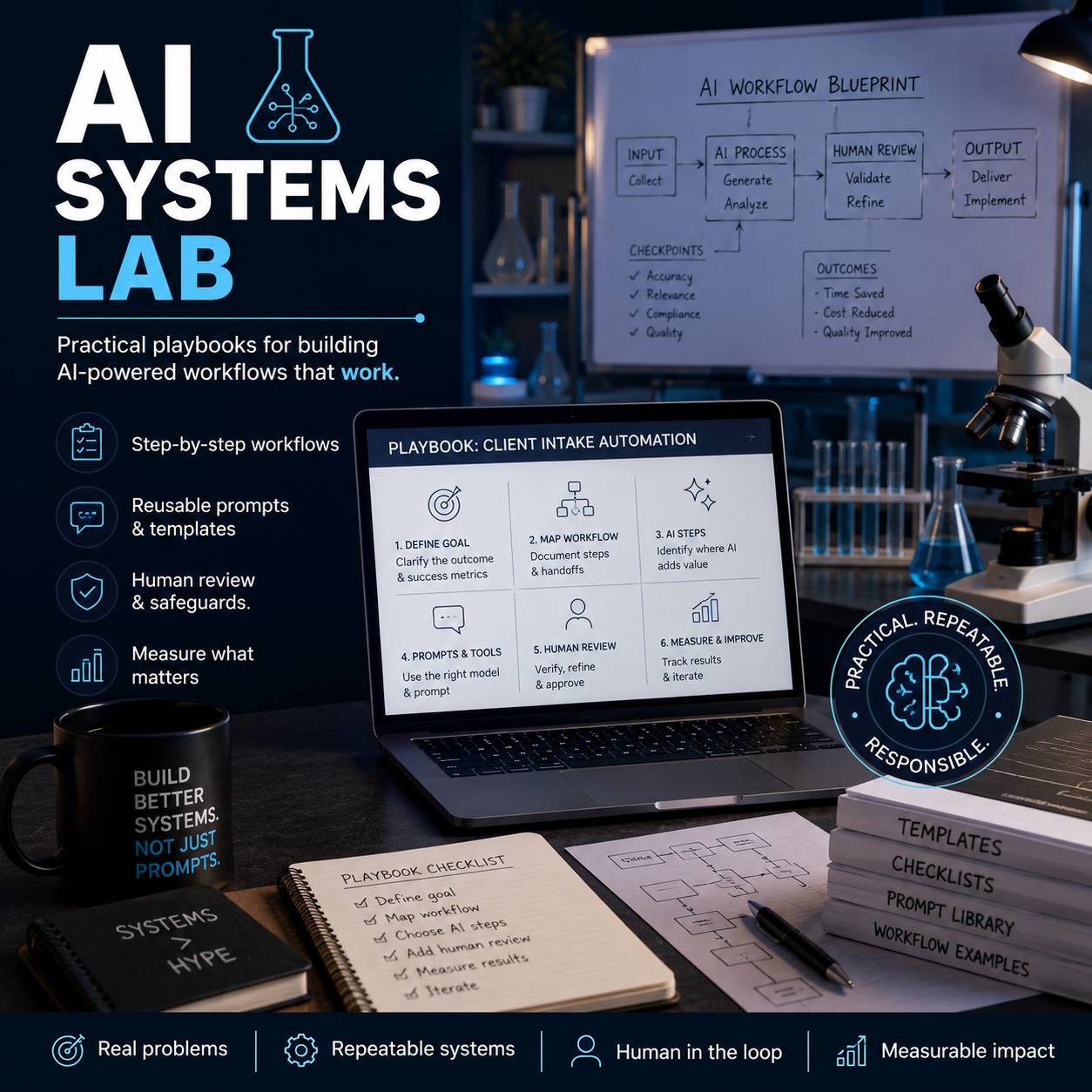 |
AI Systems Lab
Turn real work problems into reliable AI-assisted systems.
Receive two practical playbooks each month, with step-by-step... Read more |
The goal is not to add AI everywhere.
It is to build better work systems, deliberately.
